Master Git Workflow Best Practices: A Developer's Guide to High-Performance Collaboration
Understanding Git Workflow Fundamentals

A solid Git workflow forms the foundation of effective software development. By establishing clear processes for code management and collaboration, teams can maintain high code quality while working efficiently. Well-defined workflows provide structure around key activities like branching, merging, and reviewing code changes.
Core Components of a Git Workflow
A robust Git workflow includes these essential elements:
-
Branching Strategy: This defines how development work is organized through different branches. Teams should establish clear conventions for branch creation, naming, and usage. For example, many teams create separate branches for new features and bug fixes to keep the main branch stable.
-
Commit Guidelines: Good commit messages help developers understand code changes quickly. Guidelines typically specify how to structure messages with a brief summary and detailed explanation when needed. Clear commit messages make it much easier to track changes and debug issues later.
-
Code Review Process: Peer review helps catch problems early and maintains quality standards. The review process should outline who reviews code changes, what criteria they use, and how feedback is shared. Regular code reviews also help spread knowledge across the team.
-
Release Management: This outlines how code moves from development to production. It covers versioning, release branches, and deployment coordination. A structured release process helps teams deploy changes smoothly with minimal disruption.
Why Git Workflow Best Practices Matter
Following Git workflow best practices provides several key benefits:
-
Better Team Collaboration: Clear processes help team members work together smoothly. When everyone understands the workflow, there’s less confusion and friction. This is especially valuable for distributed teams working across locations.
-
Higher Code Quality: Code reviews, organized branching, and consistent commit messages lead to more reliable code. Teams can catch issues early through reviews and maintain clear standards. This results in software that’s easier to maintain over time.
-
Increased Developer Output: A well-structured workflow reduces time spent on merge conflicts and debugging. Developers can focus more on writing code rather than dealing with process issues. For instance, good branch management significantly cuts down on painful merge conflicts.
-
Improved Project Visibility: Following consistent processes makes it easier to track work progress. Teams can monitor features, fixes and releases more effectively. This leads to more accurate project timelines and better planning.
By implementing solid Git workflow practices, development teams can work more efficiently while maintaining high quality standards. The next section will explore how to choose the right branching strategy for your specific needs.
Choosing the Right Branching Strategy
The branching strategy you choose shapes how your team works together on code, handles releases, and maintains code quality. Key factors like team size, project scope, and how often you release updates should guide your decision. Taking time to select the right approach pays off in smoother collaboration.
Evaluating Different Branching Strategies
Teams commonly use these proven branching approaches:
-
GitHub Flow: A simple, fast approach where developers create feature branches and merge them into main after review. Works well for small teams doing frequent releases.
-
GitFlow: Uses multiple long-term branches (develop, release, hotfix, master) to manage different development stages. Provides more structure but adds complexity, especially for smaller projects.
-
Trunk-Based Development: Developers commit code directly to the main branch (“trunk”) in small, frequent updates. Requires solid testing but enables quick integration.
Matching Strategy to Team Needs
Your team’s specific situation should determine which strategy fits best. For example, a small web development team might thrive with GitHub Flow’s straightforward process. This approach works especially well when you need quick feedback and regular releases, since changes go straight to the main branch. While GitHub Flow gives experienced developers good autonomy, newer team members may need more guidance. Learn more about branching approaches here. For larger teams managing complex release cycles, GitFlow’s structured system often works better.
Adapting and Refining Your Strategy
Your branching strategy can evolve as your team grows and changes. Keep track of how well it’s working by watching for merge conflicts, measuring release speed, and checking team productivity. Be open to trying new approaches that might serve your team better.
Decision Framework for Choosing a Strategy
Consider these key questions when selecting an approach:
-
Team Size: How many developers are on the team?
-
Project Complexity: What’s the scope and technical depth?
-
Release Frequency: How often do you ship new versions?
-
Team Experience: What’s your developers’ skill level?
By carefully weighing these factors against Git best practices, you can pick a branching strategy that helps your team work efficiently, write quality code, and release smoothly. The right strategy sets you up for success in managing branches, which we’ll cover next.
Implementing Effective Branch Management

Good branch management is essential for smooth Git workflows. When teams organize branches logically, use clear naming patterns, and properly manage branch lifecycles, they can work together more effectively while keeping their codebase clean and manageable. This careful organization helps prevent mistakes and speeds up development.
Establishing Clear Naming Conventions
Using consistent names makes it easy to understand each branch’s purpose at a glance. Common prefixes like feature/, bugfix/, and release/ clearly show what the branch is for. Adding brief descriptions like feature/user-authentication or bugfix/login-error makes branches even easier to track. Well-named branches save time by making repository navigation straightforward.
Managing Branch Lifecycles
Taking care of branches throughout their lifecycle is just as important as creating them properly. This means regularly updating branches, merging completed work into the main branch, and removing old branches that are no longer needed. For example, feature branches should be deleted after their changes are merged. Regular cleanup prevents confusion from lingering inactive branches. Merging updates from the main branch into feature branches also helps avoid conflicts later.
Clear branch organization is key to effective Git workflows. Teams should create dedicated branches for specific purposes - features, bug fixes, and releases. Using feature branches for all changes, even small ones, keeps work separate until it’s ready to merge. This makes code review simpler and ensures the main branch stays reliable. Learn more about branch management best practices in Microsoft’s Git branching guide.
Using Automation Tools
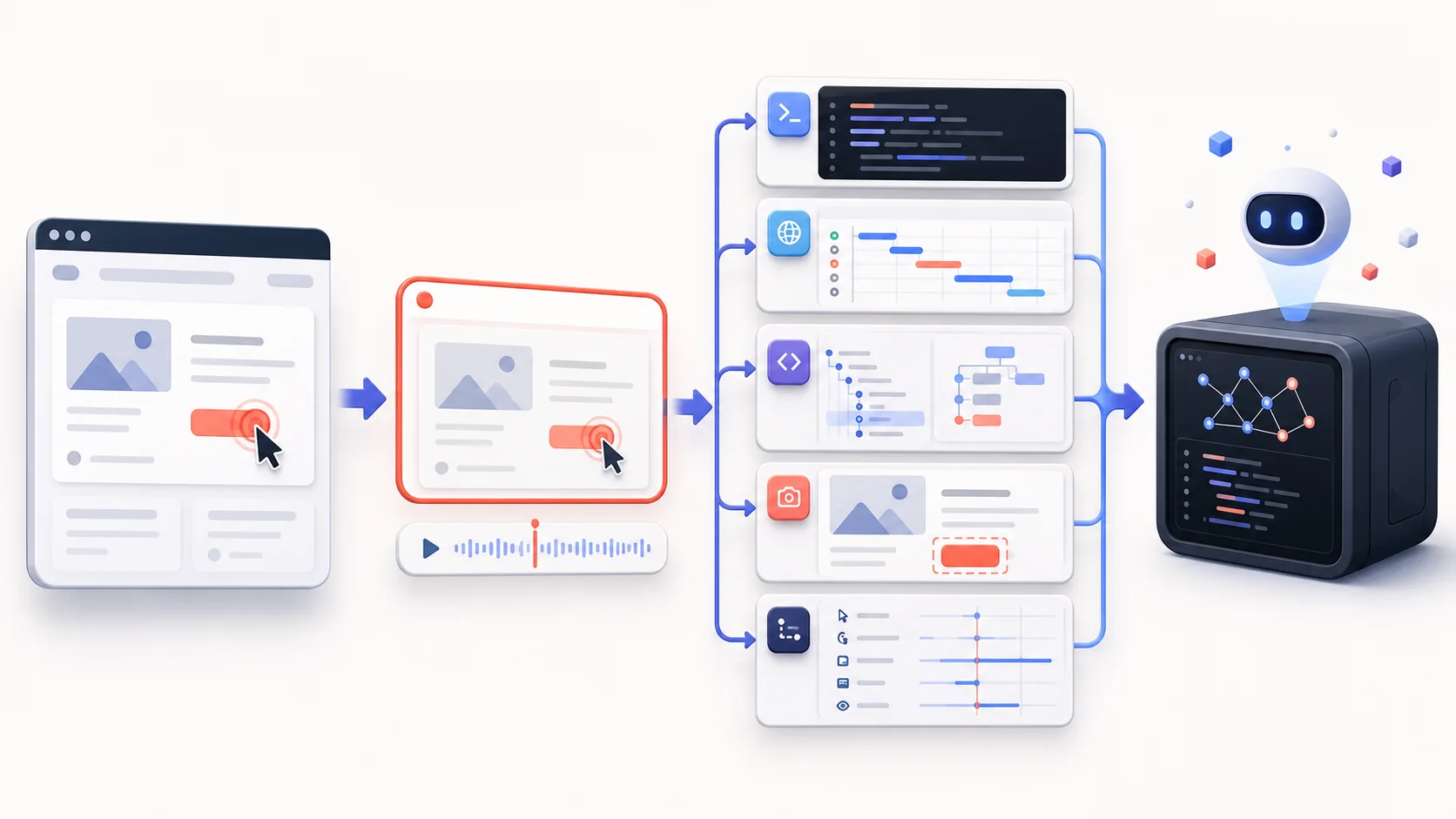
Several tools can help automate branch management tasks. For example, Disbug integrates with your workflow to help developers report bugs directly from their browser, complete with screen recordings and technical details. Tools can also enforce naming rules and handle branch cleanup automatically. This frees up developers to focus on coding while maintaining consistency. When clear processes and automation work together, teams can keep their Git workflow organized and efficient, leading to better collaboration and more maintainable code.
Building a Culture of Code Review Excellence

Code review is a key element of Git best practices that helps teams create better software together. When teams approach code reviews thoughtfully, they catch issues early, share knowledge effectively, and help each other grow. This collaborative approach leads to higher quality code and stronger teams.
Structuring the Review Process
Top development teams organize code reviews with clear goals in mind. They set specific criteria for evaluating code quality, including readability, performance, and following coding standards. Teams also clearly define who reviews what code - for example, having senior developers review complex changes while other team members focus on their areas of expertise.
Implementing Effective Review Guidelines
Good review guidelines help teams work consistently and efficiently. These guidelines should specify what reviewers need to check, like functionality, security, and performance issues. They work best when reviews stay focused and manageable - smaller reviews of 200-400 lines tend to be more effective than large ones. This helps reviewers stay sharp and catch important details.
Managing Complex Reviews and Feedback
For bigger code changes, breaking reviews into smaller pieces makes them easier to handle. This approach helps reviewers give more specific, useful feedback. Teams should aim to give constructive feedback that helps improve the code rather than just pointing out problems. Tools like Disbug can help by providing a clear structure for sharing feedback and tracking changes over time.
Leveraging Automation for Streamlined Reviews
Smart use of automation tools makes code reviews more efficient. Automated tools can check code style, run tests, and flag potential issues before human reviewers get involved. For example, code linters catch basic errors while continuous integration systems test how changes affect the whole codebase. Using these tools as part of the Git workflow lets reviewers focus on deeper code quality issues that require human judgment. This balanced approach improves both code quality and team productivity.
Measuring and Optimizing Workflow Performance
Teams need to measure and optimize Git workflows to unlock their full value. Moving beyond basic adoption towards analyzing workflow performance helps teams spot problems early and make data-driven improvements.
Key Metrics for Workflow Health
Track these essential metrics to evaluate workflow effectiveness:
-
Merge Conflict Rate: Frequent merge conflicts signal branch management or collaboration problems. Monitoring conflict rates helps teams refine their branching approaches and communication. Too many conflicts slow development and increase bug risks.
-
Issue Resolution Speed: The time needed to resolve issues reflects workflow efficiency. Slow resolution may indicate communication gaps, unclear processes, or inadequate testing practices. This metric spotlights bottlenecks in development cycles.
-
Code Review Time: Quick code reviews maintain development momentum. Long reviews delay releases and reduce developer satisfaction. Ways to speed up reviews include setting clear guidelines, using automated checks, and breaking large reviews into smaller pieces.
Data-Driven Optimization Strategies
High-performing teams use metrics to find and fix workflow problems. If merge conflicts are common, they may adjust branching strategies or tighten code review standards. For slow issue resolution, they might improve communication or add automated testing.
Tracking metrics is just the start. Teams need to analyze data trends and patterns to understand root causes. This means examining average resolution times, common conflict sources, and other key indicators. Regular workflow audits with the whole team ensure processes stay aligned with project needs. Learn more about Git workflow optimization here.
Measuring Change Impact
After making workflow changes, measure their effects. Compare metrics before and after to verify improvements. For example, track merge conflict rates after adopting a new branching strategy to confirm it reduces issues. This approach validates that changes deliver real benefits.
Continuous Workflow Improvement
Optimizing Git workflows requires ongoing attention. Teams should regularly review processes, analyze metrics, and refine their approaches based on data. This creates steady progress toward smoother, more efficient development. Building a culture of measurement and improvement helps teams maximize Git’s collaboration benefits over time.
Mastering Workflow Automation
Integrating automation into your Git workflow creates a more efficient and reliable development process. Well-designed automation for testing, deployment, and routine tasks lets developers focus on writing great code while ensuring consistency and reducing errors. Here’s how to effectively integrate automation into your Git-based development lifecycle.
Identifying Automation Opportunities
The first step is finding areas in your workflow where manual tasks create bottlenecks or increase error risk. Common targets for automation include:
-
Testing: Run unit, integration and regression tests automatically to catch bugs early. This provides quick feedback when issues arise.
-
CI/CD: Automate builds, tests and deployments to ensure consistent processes. For example, set up automatic staging deployments when code merges to main.
-
Branch Management: Automate branch creation, merging and cleanup to reduce mistakes and enforce naming standards. This keeps repositories organized.
Selecting the Right Tools
Picking automation tools that fit your needs is essential. Consider your project complexity, existing tools, and budget. Popular options include:
-
Jenkins: An open-source automation server with many plugins and integrations
-
GitHub Actions: Built-in workflow automation for GitHub repositories
-
GitLab CI/CD: End-to-end pipeline automation within GitLab
-
Disbug: Browser-based bug reporting with screen recordings and technical logs
Implementing Automation While Maintaining Flexibility
While automation brings major benefits, it’s important to balance it with agility. Overly rigid automation can make it harder to adapt quickly. Key considerations:
-
Modular Design: Break automation into smaller, independent pieces that are easy to modify
-
Human Oversight: Keep manual review and approval steps for critical decisions
-
Adaptable Workflows: Build automation that can handle changing requirements through parameters and conditional logic
When implemented thoughtfully, automation integrated with Git workflows helps teams ship better code faster while maintaining quality. The right mix of automated and manual processes lets developers work efficiently while keeping the flexibility to respond to change.
Take your bug reporting to the next level with Disbug. Capture detailed bug reports with screen recordings, screenshots and technical data, all integrated with your project tools. Learn more about Disbug.