Usersnap review: What do users think about Usersnap?

What is Usersnap?
The Usersnap feedback and bug tracking tool helps web and mobile teams collect, manage and act on customer feedback. It is a solution to collaborate with your customers directly in the browser and automatically capture, organize and share voice of customer insights with your team.
Let’s get to know some of the reviews of Usersnap
Usersnap reviews: Pros and cons
Usersnap Pros
Usersnap Cons
Usersnap allows you to launch and sharetesting pages with existing users
Sometimes the annotations added to the screenshotsdo not coorespond to the precise location where the userput them
Ease of implementation and use
User management could be more robust
Easy for clients to leave feedback fromtheir perspective
The archived projects add to your total project count (youcan’t create new projects if you have 1 active and all othersarchived)
ㅤ
The cost is expensive when it comes to enterprise solution
ㅤ
Lack of rich configuration of feedback widget
ㅤ
The reporting tools are lacking. It’s not very intuitive to go intousersnap and extract the data or manipulate to get what youneed
Now that we have seen how users feel about Usersnap, I have something intersting to show you.
I hope you have heard about Disbug, the best visual feedback tool in the market.
Disbug, not only has amazing features to offer but has also taken user experience seriously and met the needs of the customer.
Here’s a little preview;
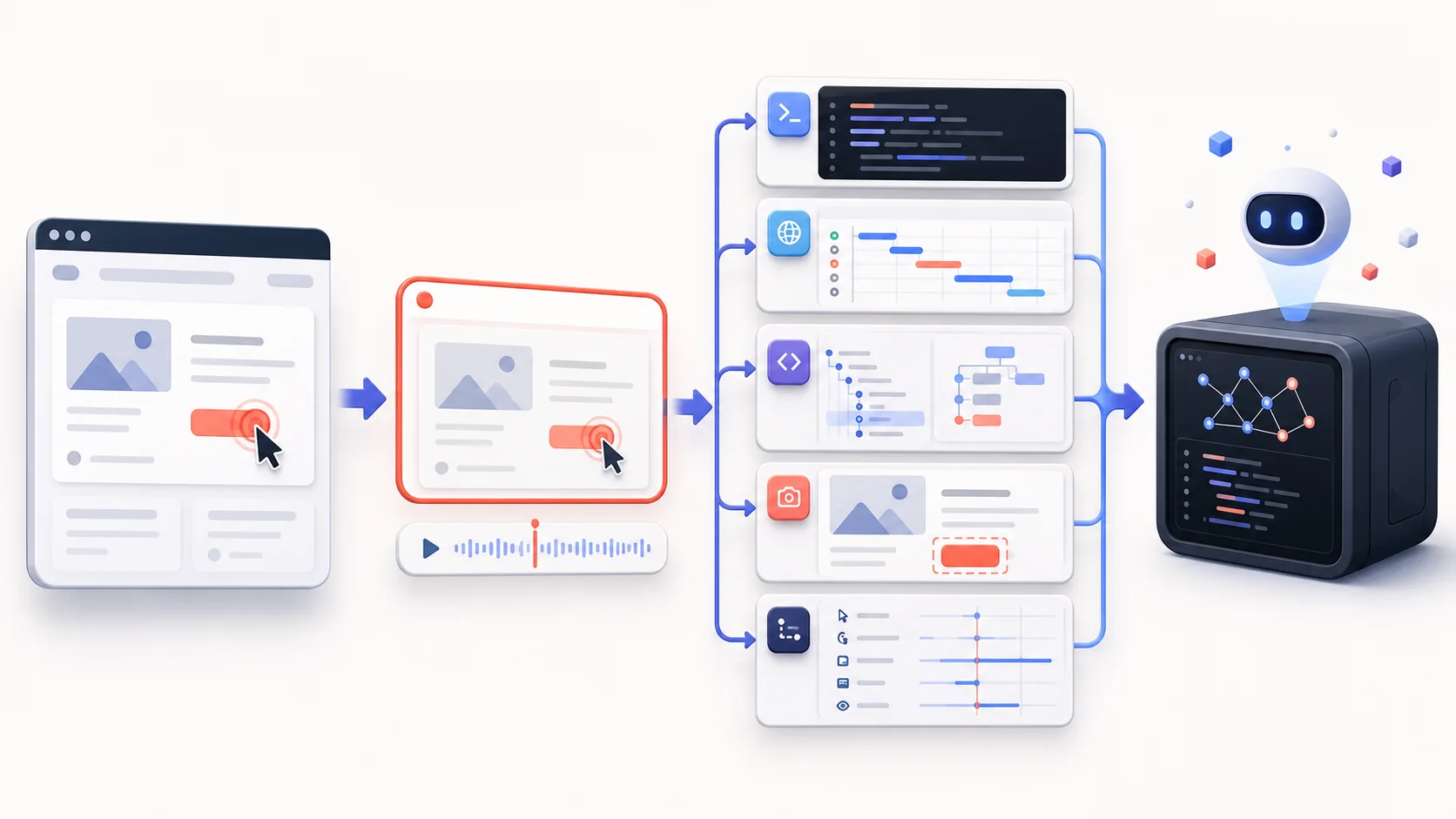
Disbug is a visual feedback tool that has improved QA in over 200 companies. Here are some of the features of Disbug:
-
Annotated screenshots and screen recording in just a click.
-
Automatic capture of all the technical logs such as console logs, network logs, browser info etc.
-
Allows user to edit live websites directly without switching tabs.
-
Integrates smoothly with project management tools like Jira, Trello etc.
Disbug not only improves your internal QA process but also improves overall quality of the product by making you spend more time on development and less time on bugs.
With the all new Disbug widget, you can carry on your entire workflow without switching tabs.
How cool is this?
Disbug has a free version. Have a look at it. Try it. You’ll not regret.