Start with the script from Project Settings. If you have not added it yet, follow [Add a report button to your website](/add-a-report-button-to-your-website-8ca182ca). Change the widget only when your site needs different placement, consent control, or a custom report button.
## Move the report button
The default position is `bottom-right`. Use `data-placement` to move it.
```html
```
The supported positions are `bottom-right`, `bottom-center`, and `top-center`. You can also use `data-bar-placement` for the open report bar.
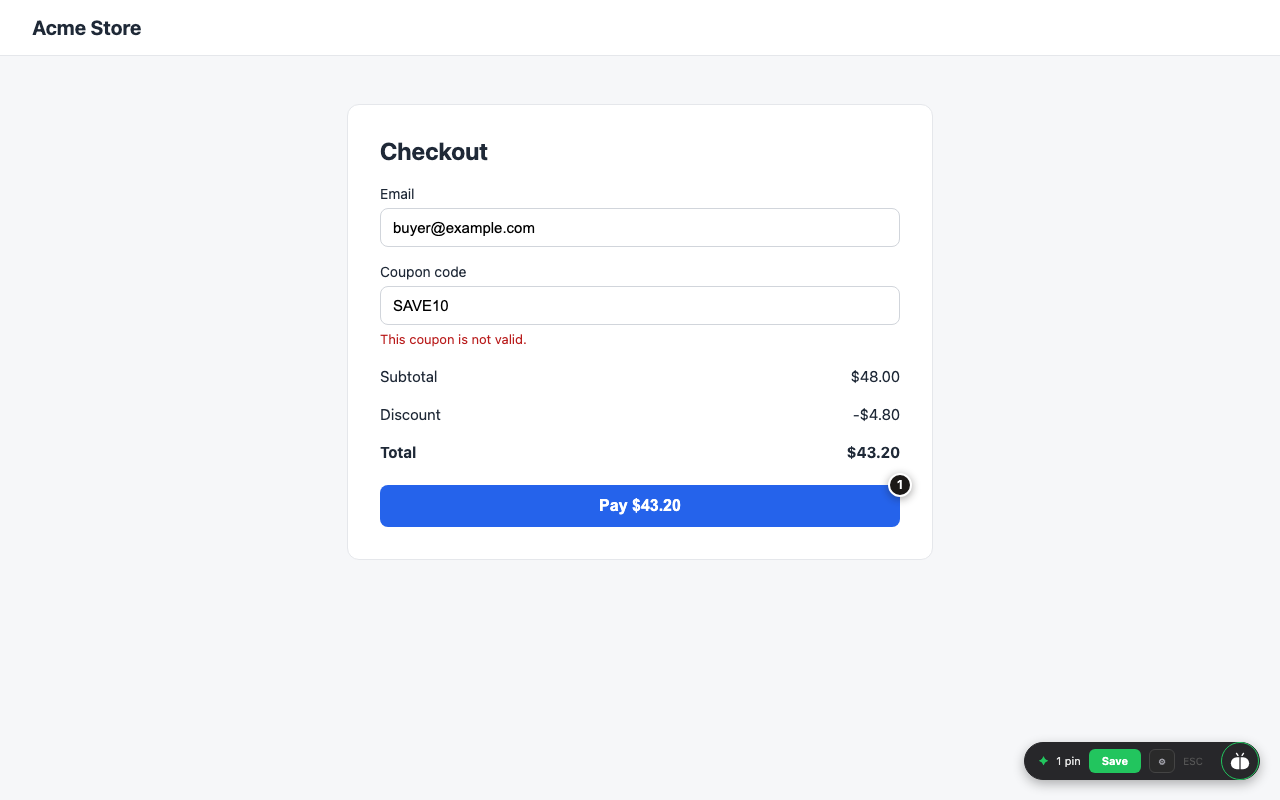
## Open Disbug from your own button
Keep the generated widget script on the page. Call `open()` after the script loads.
```html
```
Use this method when your product already has a support or feedback menu.
## Connect replay to user consent
Use the replay controls when your consent or privacy settings must start and stop capture.
```js
await window.Disbug.enableReplay();
window.Disbug.disableReplay();
const enabled = window.Disbug.isReplayEnabled();
```
Replay starts from the time that you enable it. It does not recover earlier activity. [Capture hard-to-reproduce bugs](/capture-hard-to-reproduce-bugs-3986142f) explains what replay shows a developer.
## Remove the widget at runtime
Use `destroy()` when a user signs out or when a page must remove the report interface.
```js
window.Disbug.destroy();
```
Use `destroy({ purgeStorage: true })` to also remove widget settings, unsaved pins, and replay data from that browser. Submitted reports stay in Disbug.
## Fix a strict Content Security Policy
Most sites need no extra browser configuration. A strict Content Security Policy can block the script or report upload.
Permit the Disbug script origin in `script-src`. Permit the blocked Disbug connection or upload origin in `connect-src`. Use the exact origin from the browser error. Do not add a broad wildcard.
If the widget still fails, make sure that the key belongs to an enabled project. Open **Project Settings** for the project and check the **Widget** section.
## Related
- [Add a report button to your website](/add-a-report-button-to-your-website-8ca182ca)
- [Organize reports with projects](/organize-reports-with-projects-b52fac17)
- [Capture hard-to-reproduce bugs](/capture-hard-to-reproduce-bugs-3986142f)